
Explanation and Classification of a Query
You can classify the Query and also provide a detailed explanation which will be printed on the first page of the report.
To define the classification and explanation of the query:
-
Select 41. Queries and Reports in the User Provisioning main menu. The Queries menu appears.
-
Select 1. Work with Queries in the Queries menu. The Work with Queries screen appears.
-
Select the Query to run and press 9=Explanation & Classification. The Query Explanation and Classification screen appears.
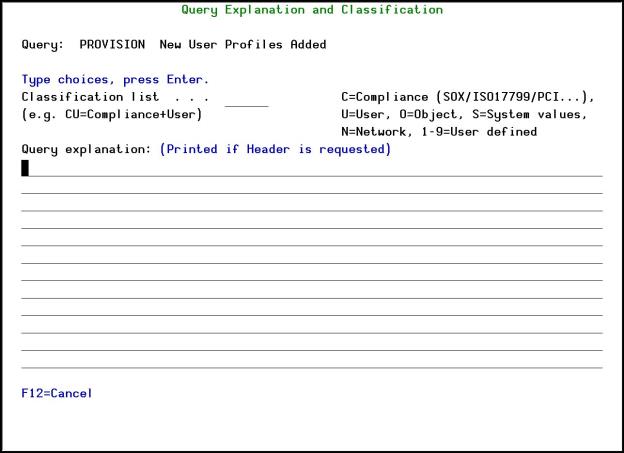
Query Explanation and Classification screen
|
Field/Option/Command Key |
Description |
|---|---|
Classification list |
|
Query explanation |
|
-
Enter your definitions and press Enter. You are returned to the Work with Queries screen.